

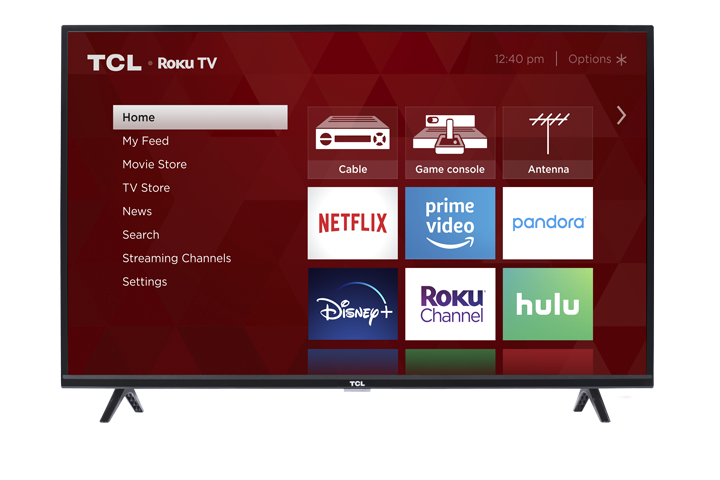

If your TCL Roku TV remote isn’t working properly—whether the TV won’t respond, buttons work only sometimes, or voice features won’t connect—this guide will help you quickly identify your remote type and fix the most common issues. Start by selecting the remote that matches yours, then follow the step-by-step troubleshooting for either a Standard IR (infrared) remote or a Voice/Enhanced (wireless) remote.
Tip: You can also use the free Roku Mobile App (iOS/Android). It can act as a remote and makes it easy to access features like voice search, keyboard entry, and private listening.
1) Standard IR Remote (Infrared)
How it works:
Standard IR remotes use an invisible infrared signal. For best results, the remote must be pointed at the front of the TV and have a clear line of sight to the TV’s remote sensor.
A. Quick checks
-
Clear the path to the TV’s sensor
Make sure nothing is blocking the TV’s remote sensor on the front of the TV (for example, a soundbar placed directly in front of the TCL logo area). -
Aim directly at the TV
Point the remote toward the TV from a reasonable distance and try again. - Reseat the batteries
- Remove the batteries.
- Reinsert them, matching the + / – symbols inside the battery compartment.
-
Replace the batteries (recommended if response is weak or intermittent)
Install fresh, new batteries of the same type.
B. Power drain the TV (recommended)
- This resets the TV’s power state and can help restore normal remote response.
- Unplug the TV from the wall outlet.
- Press and hold the TV’s physical Power button for about 15 seconds.
- Plug the TV back into the wall outlet.
- Try using the remote again.
C. Infrared (IR) emitter test (camera test)
- This test confirms whether the remote is sending an IR signal.
-
You’ll need: a smartphone camera or a digital camera with a live view screen.
Tip: Do this test in a dim room for best results (the IR signal can be hard to see in bright light). - Open your phone’s camera app (or digital camera live view).
- Point the camera at the tip/front of the remote (where the signal comes from).
- While looking at the camera screen, press and hold any button on the remote.
- Look for a flashing light on the camera screen (often appears purple/white).
Results:
If you see a flashing light: the remote is sending an IR signal.
If the TV still doesn’t respond, confirm nothing is blocking the TV’s remote sensor (often near/under the TCL logo area). If the sensor is clear, the issue may be with the TV’s IR receiver.
If you do NOT see any flashing light: the remote may be defective, or the batteries may be weak/incorrectly installed. Try fresh batteries and retest.
2) Voice Remote / Enhanced Remote (Wireless pairing)
How it works:
Voice and enhanced remotes connect wirelessly and do not need to be pointed at the TV. They must be paired to the TV (usually during setup, and again if the connection is lost).
A. Restart the TV and remote
- Open the battery compartment and remove the batteries from the remote.
- Restart the TV using the physical Power button on the TV.
- When the TV returns to the Home screen, reinsert the batteries.
- Try the remote again.
B. Re-pair the remote to the TV
- Open the battery compartment (or check the back of the remote) and locate the pairing button.
- Press and hold the pairing button for about 3 seconds, or until the pairing light starts flashing.
- If the light does not flash, try again.
- If it still doesn’t flash, replace the batteries, then retry.
- Restart the TV (or wait on the Home screen).
- Wait about 30 seconds while the remote reconnects.
- A pairing message should appear on the TV screen. Follow the on-screen prompts.
Tip: Once paired, the TV may display the remote’s battery status (on supported models).
C. Replace the batteries
If pairing is inconsistent or the remote frequently disconnects:
- Remove the old batteries.
- Install fresh, new batteries (same type), matching the + / – symbols.
- Try pairing again.
D. Power drain the TV (recommended if pairing fails)
- Unplug the TV from the wall outlet.
- Press and hold the TV’s physical Power button for about 15 seconds.
- Plug the TV back in.
- Try pairing the remote again.
3) If the issue still isn’t resolved
If none of the steps above restore remote function, please reach out to us Here.