

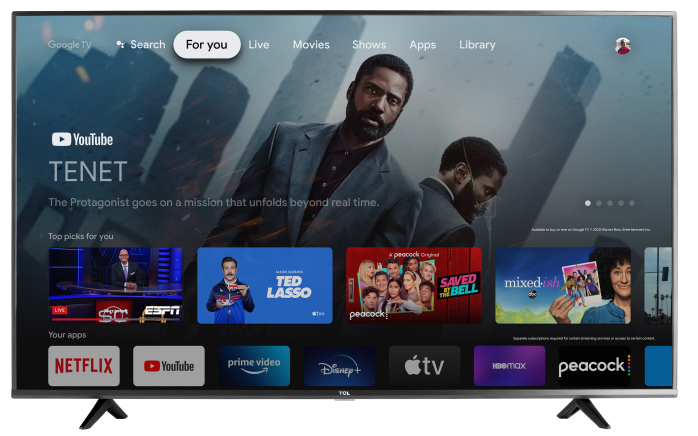

The Spectrum TV app is now available for select TCL Google TVs through the Google Play Store. At this time, support applies to 2024 and newer TCL Google TVs, though app availability and on-screen results can vary by model, software version, and account or service eligibility.
To look for the app, open the Google Play Store on your TCL Google TV and use the search feature to search for Spectrum TV. Select the app from the search results, then choose Install. After installation, open the app and follow the on-screen prompts to sign in. Spectrum’s support instructions for Android TV devices follow this same general process.
If you do not see the Spectrum TV app in the Google Play Store, first confirm that your TV is a supported TCL Google TV model and that it is fully updated. You can also try restarting the TV, reopening the Google Play Store, and searching again using the full app name, Spectrum TV. Because app support can vary by model and software version, some TVs may not show the app even if other TCL Google TVs do.
If the app still does not appear, it may not be available for that specific TV configuration at this time. In that case, make sure your TV software is up to date and check again later, as app compatibility can change over time. You may also need to confirm that you have an eligible Spectrum TV service and sign-in credentials, since Spectrum notes that programming and access depend on your Spectrum TV package and account.