

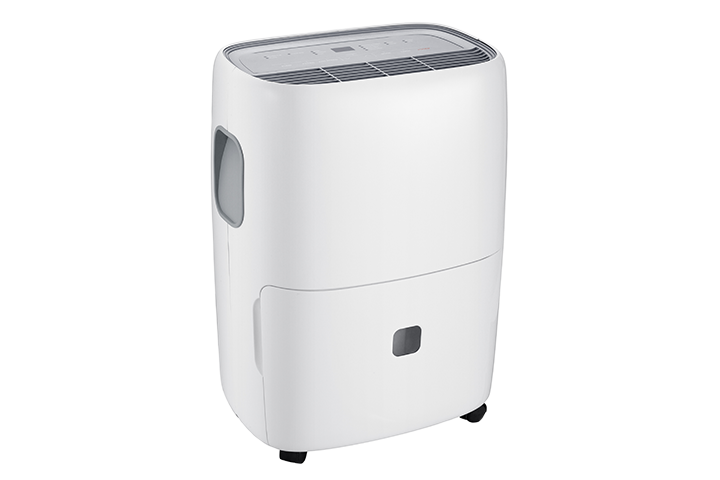

If your TCL dehumidifier is collecting water in the bucket instead of draining through the drainage hose, the hose may not be installed correctly, may be blocked, or may not be positioned low enough for gravity drainage to work.
Most dehumidifiers use gravity to drain water through the hose. This means the hose must run downward from the drain outlet with no kinks, loops, or raised sections. If the hose goes upward at any point, water may back up and collect in the bucket instead.
Try the steps below:
- Turn off and unplug the dehumidifier.
- Remove the water bucket and make sure it is seated correctly.
- Check that the drain hose is firmly connected to the drain outlet.
- Make sure the drain hose is not kinked, bent, clogged, or pinched.
- Confirm the hose runs downward from the dehumidifier to the drain.
- Make sure the end of the hose is not blocked or sitting underwater.
- Clean the hose if you suspect dirt, buildup, or debris inside.
- Reinstall the bucket securely, plug the unit back in, and try again.
Important: Continuous drainage only works when the hose is installed correctly and positioned for gravity drainage. If the drain location is higher than the dehumidifier’s drain outlet, the water may continue collecting in the bucket unless your model supports a pump feature.