

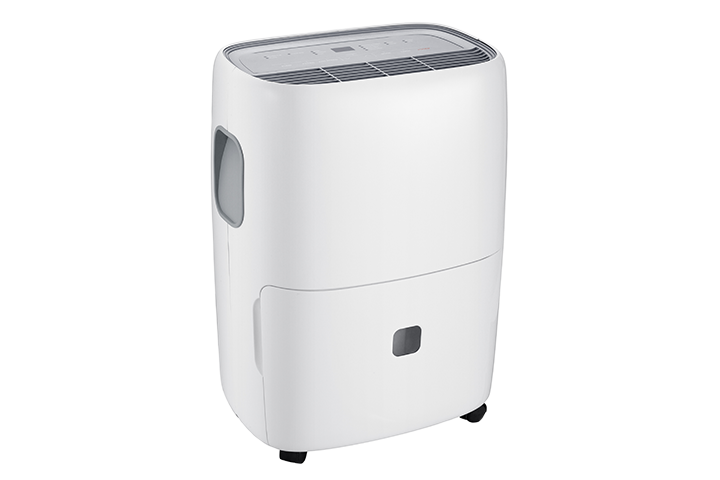

Yes. Your TCL dehumidifier can be used without connecting it to Wi-Fi.
Wi-Fi is only needed if you want to use smart features through the TCL Home app, such as controlling the dehumidifier from your phone, checking settings remotely, or using app-based features.
You can still use the dehumidifier manually by using the buttons on the control panel. Basic functions such as power, mode, fan speed, humidity setting, timer, and other available controls can be adjusted directly on the unit.
To use your dehumidifier without Wi-Fi:
- Plug in the dehumidifier.
- Turn it on using the Power button.
- Set your desired humidity level.
- Choose your preferred fan speed or mode.
- Empty the water bucket when full or connect a drain hose if your model supports continuous drainage.
Note: Available buttons and features may vary by model. If you choose to connect to Wi-Fi later, you can set up the dehumidifier in the TCL Home app.